Software · interfaces · workflows

Make complex work easier to move through.

Design and build the screens, components and front-end flows behind useful software. Improve an interface that already exists or shape a focused tool around a real workflow.

Software interface designUI improvementsScoped front-end builds
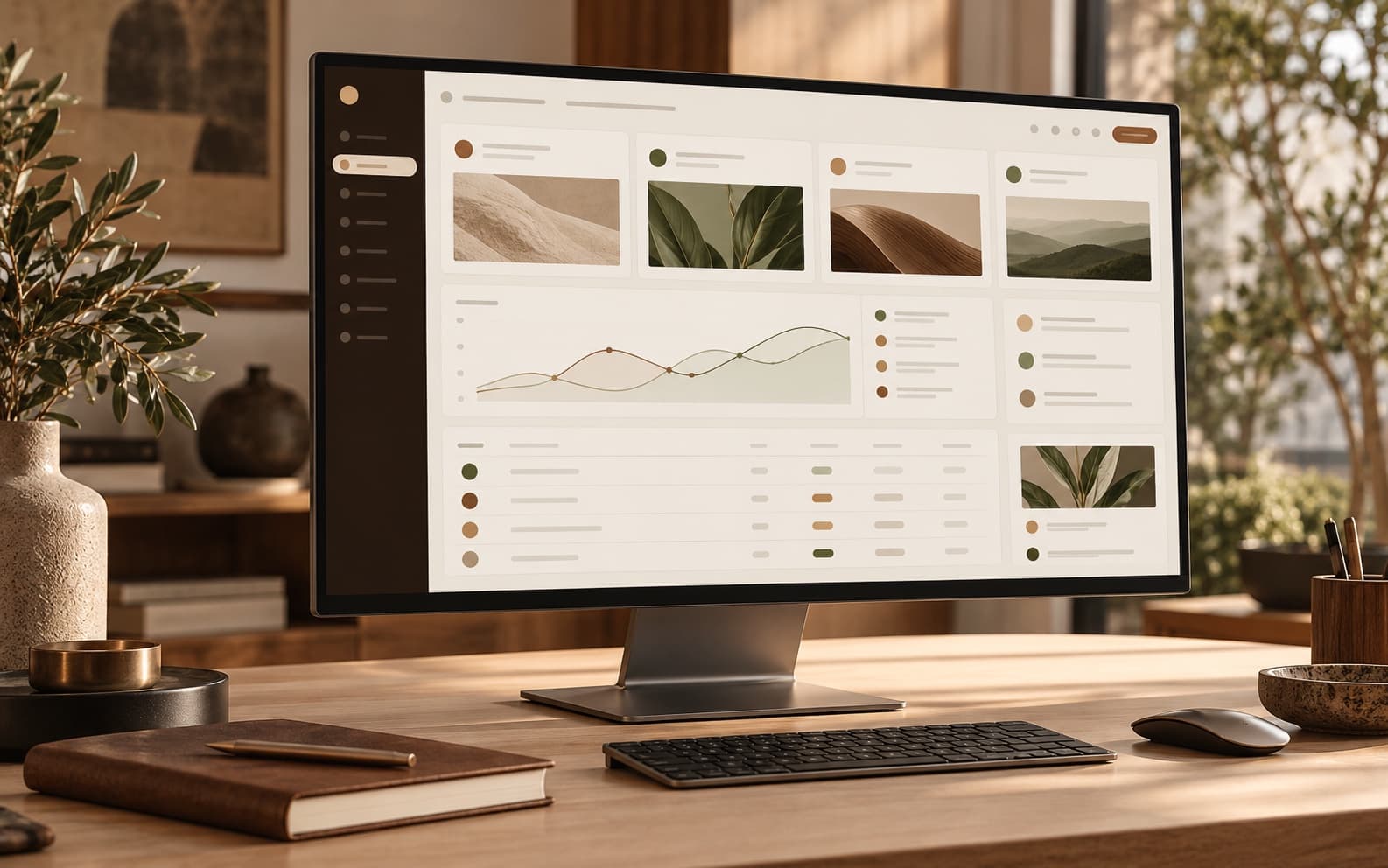
Illustrative software dashboard interface on a desktop monitor in a warm studio.
Illustrative studio image

What we can take on

Clear work, shaped around the need.

Choose a starting point. The exact pages, screens, features and handoff are confirmed before work begins.

01

Software and interface design

Turn an unclear screen or process into a more understandable interface with a visible hierarchy and a clear next action.

  • Screen layouts and component structure
  • Navigation, forms, states and useful feedback
  • Responsive layouts for browser-based software
02

Workflow screens and dashboards

Build a focused front end for a small process, dashboard or internal tool, using agreed sample data or a supplied interface contract.

  • Operational views and compact dashboards
  • Tables, filters, cards and status states
  • Small browser-based workflow interfaces

03

Add or improve a feature

Make a contained change inside an existing project, from a page or component to a better form, navigation pattern or front-end interaction.

  • One defined screen or feature at a time
  • Interface repairs and refinements
  • Source changes handed back in project files

How the work moves

A straightforward path from idea to handoff.

The aim is to make the scope understandable before the build starts, so both sides know what is included and what needs a separate quote.

  1. 01

    Walk through the workflow

    Show the current screen or describe the task, the people involved and where they get stuck.

  2. 02

    Agree on the smallest useful slice

    Choose the screens and states in scope, and identify data, access and integration dependencies.

  3. 03

    Shape the interface

    Build or refine the agreed interface using real supplied requirements and representative sample data.

  4. 04

    Review the interaction

    Check the key path, refine the included states and return the scoped project files with setup notes.

Example packages

A useful place to start, with room to grow.

These are introductory examples for common, clearly bounded work. They are not one-size-fits-all quotes; integrations, content, platform limits and unusual requirements can change the scope. Revision rounds follow the accepted proposal total: one round, plus one for each full $120.

Existing interface improvements

For contained work in a supplied project or existing browser interface. Larger design systems and re-platforming projects need a custom scope.

Discuss this work ↗

Single-screen pass

$45starting package

For one defined interface screen or component.

Defined scope

One layout or UI improvement within the supplied front-end.

  • Typography, spacing and hierarchy adjustments
  • One agreed responsive breakpoint check
  • One revision round and changed files

Typical example: 3–5 business days

Connected screens

$140starting package

For a small group of screens that share one workflow.

Defined scope

Up to three related screens or states.

  • Consistent UI patterns across the flow
  • Up to two simple interactions
  • Two revision rounds and changed files

Typical example: 6–9 business days

Workflow interface

$340starting package

For a focused front-end workflow or small dashboard.

Defined scope

Up to five related screens with representative sample data.

  • Navigation and key states
  • Responsive front-end layout
  • Three revision rounds and setup notes

Typical example: 10–15 business days

Data storage, user permissions, live integrations, APIs, authentication and production analytics are not included unless separately reviewed and specified.

Selected examples

Demonstrations with their context.

These examples show design and implementation work. Concept projects are labeled clearly and do not represent paid client engagements.

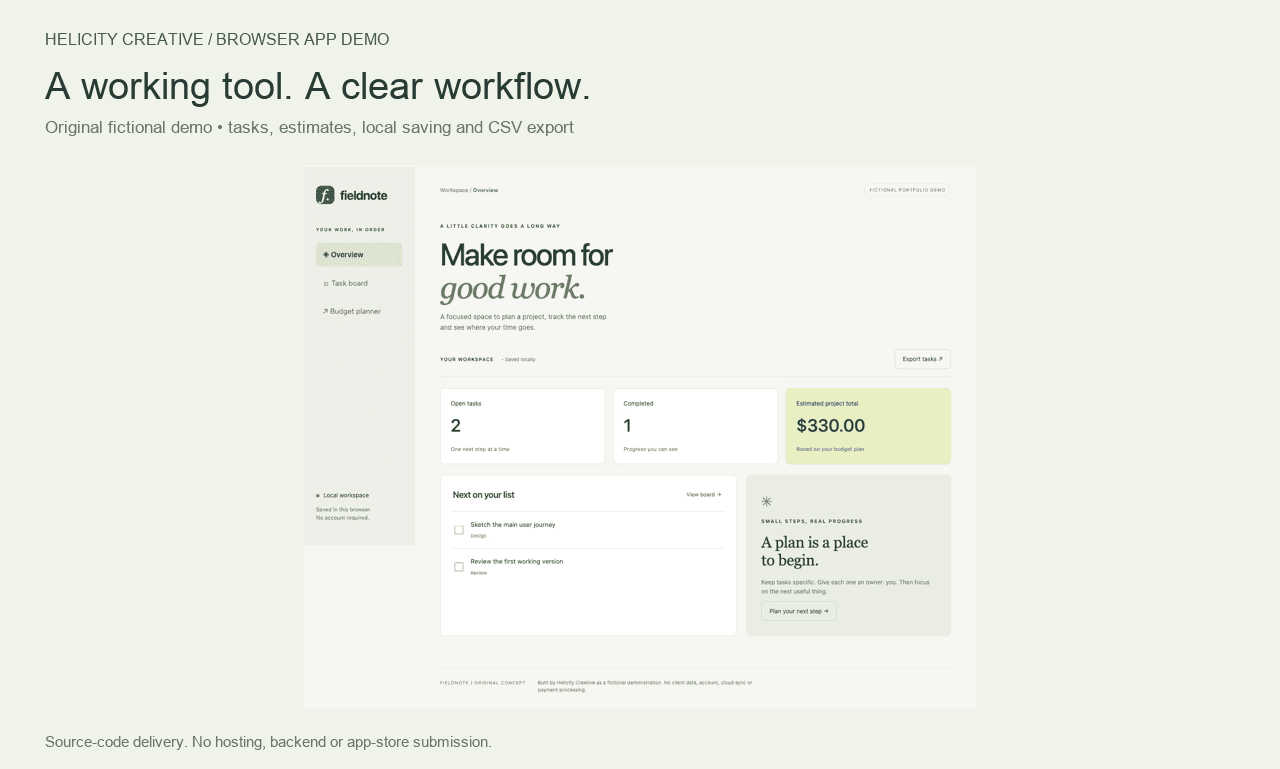
Fieldnote fictional software workflow interface and task dashboard.

Independent fictional browser demo

Fieldnote workflow interface

A small browser-based planning interface used to explore an overview, task board and budget workflow. Its sample totals and task states are part of a fictional demo and are not customer data or performance claims.

Concept demonstration · not a client product

Files & handoff

Clear front-end scope, clear files.

Interface work includes the agreed screens and front-end behavior in the named project. The handoff identifies changed files and any local steps needed to review them.

A polished interface does not by itself provide production accounts, databases, permissions or an operating service. Backend services, live data integrations and deployment are discussed separately before work starts.

Before we begin

A few practical answers.

Is this only visual design?

It can be a visual interface pass, a coded front-end improvement or a small interactive workflow. The package description and agreed scope say which one you are buying.

Can you work in my existing codebase?

Yes, if the project files are available and the stack is a fit. A brief review first helps identify setup, access and dependency needs.

Can the interface connect to our live data?

Potentially, but data access, API documentation, privacy requirements and credentials need a separate review. Do not send passwords or sensitive data in the initial inquiry.

What kind of software fits these example packages?

Focused browser interfaces such as internal dashboards, small workflow screens, forms and user-facing UI improvements. Large platforms, complex backends and regulated systems require a custom assessment.

Your next step

Tell us what you want to make easier.

A rough idea is enough. The project flow will help sort the right kind of work and the details needed to scope it.

Start a project