Browser apps · mobile apps

Useful apps, built around one clear job.

Shape and build an interactive browser tool or a mobile app foundation for iOS and Android. We start with the core task, agree on the screens and behaviors, then deliver the scoped project files.

Browser toolsiOS & Android scopeSource-code handoff
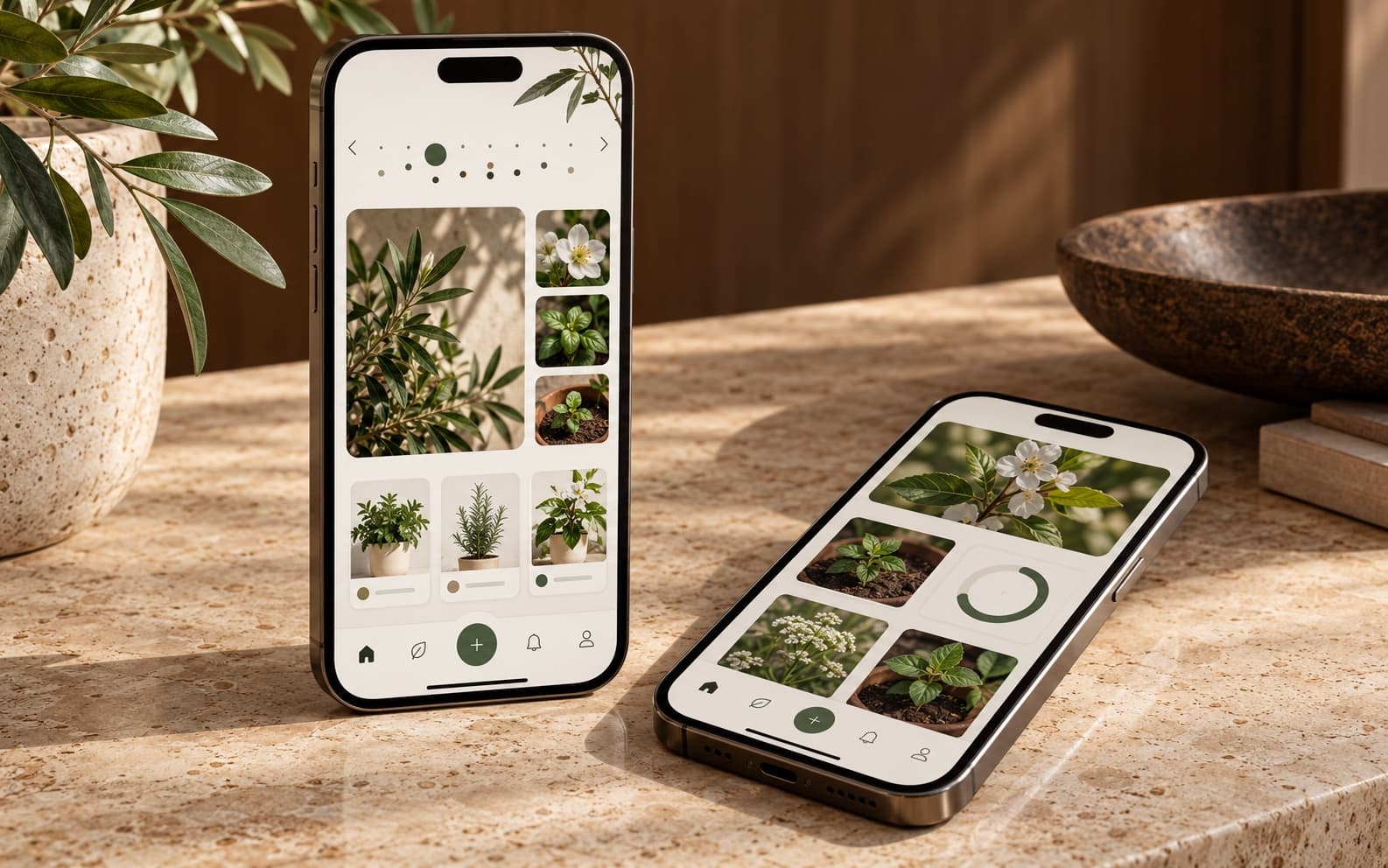
Two phones showing an illustrative garden-planning app interface.
Illustrative studio image

What we can take on

Clear work, shaped around the need.

Choose a starting point. The exact pages, screens, features and handoff are confirmed before work begins.

01

Browser-based apps and tools

Create an interactive tool that runs in a web browser and helps a visitor or team complete a focused task. This is software behavior, not just another informational website.

  • Calculators, planners, trackers and small workflow tools
  • Inputs, validation, local demo data and clear results
  • Responsive interface for desktop and mobile browsers
02

Mobile app design and foundations

Map the main app flow, design a useful set of screens, and build a scoped cross-platform starter where the requirements fit a shared codebase.

  • iOS and Android concepts and interface flows
  • Clickable or coded prototypes before a larger build
  • Early app foundations with a clearly bounded feature set

03

Build around the first useful version

Start with the feature that matters most, not an oversized feature list. Accounts, cloud data, payments and live integrations need to be discussed before they are priced.

  • Turn a rough idea into a first screen and user flow
  • Keep advanced dependencies visible before work begins
  • Expand after the first agreed version is reviewed

How the work moves

A straightforward path from idea to handoff.

The aim is to make the scope understandable before the build starts, so both sides know what is included and what needs a separate quote.

  1. 01

    Define the user task

    Describe who will use the app, the main task and what a useful result looks like.

  2. 02

    Choose the first version

    Confirm browser, iOS, Android or cross-platform needs; then agree on screens, data and interactions.

  3. 03

    Build the core flow

    Create the agreed interface and behavior, using sample or client-provided non-sensitive data as scoped.

  4. 04

    Test and hand off

    Review the core path, fix agreed issues and deliver the project source with setup notes.

Example packages

A useful place to start, with room to grow.

These are introductory examples for common, clearly bounded work. They are not one-size-fits-all quotes; integrations, content, platform limits and unusual requirements can change the scope. Revision rounds follow the accepted proposal total: one round, plus one for each full $120.

Browser app and tool examples

For an interactive web tool with one main job. It can be shared as a project folder, but it is not hosted or published for you.

Discuss this work ↗

Focused interaction

$99starting package

For one useful browser task or calculator.

Defined scope

One main flow across up to two responsive screens.

  • Input and result states
  • Simple front-end behavior
  • Source files and one revision round

Typical example: 5–7 business days

Working browser tool

$249starting package

For a small tool with a few connected steps.

Defined scope

Up to five screens or states and one primary workflow.

  • Responsive browser interface
  • Local sample data or browser storage where suitable
  • Three revision rounds and source files

Typical example: 8–12 business days

Tool MVP front end

$549starting package

For a more complete first version with related flows.

Defined scope

Up to eight screens or states, using a confirmed front-end-only scope.

  • Navigation and core interactions
  • Local or supplied demo data
  • Five revision rounds and setup notes

Typical example: 12–18 business days

User accounts, cloud databases, APIs, live synchronization, payment processing, security-sensitive data and third-party services require a technical review and custom quote.

Mobile app examples

A staged way to move from an app idea to a scoped code foundation. Device testing, store accounts and publishing are separate.

Discuss this work ↗

App flow prototype

$79starting package

For validating a small idea before development.

Defined scope

Up to three screens showing one main user flow.

  • Screen structure and navigation map
  • Clickable prototype files
  • One revision round

Typical example: 4–6 business days

App prototype

$199starting package

For reviewing a more complete early experience.

Defined scope

Up to five screens and one primary interactive flow.

  • Consistent interface and navigation
  • Sample content only; no live account data
  • Two revision rounds and source files

Typical example: 7–10 business days

Mobile starter build

$599starting package

For a small first build after the platform is confirmed.

Defined scope

Up to six core screens with a simple, shared-codebase feature set.

  • Navigation and basic front-end interactions
  • Local demo data only
  • Five revision rounds and project source

Typical example: 14–20 business days

The mobile starter is subject to a platform and feature check before ordering. No backend, production data service, app-store account setup, store review or publishing is included.

Selected examples

Demonstrations with their context.

These examples show design and implementation work. Concept projects are labeled clearly and do not represent paid client engagements.

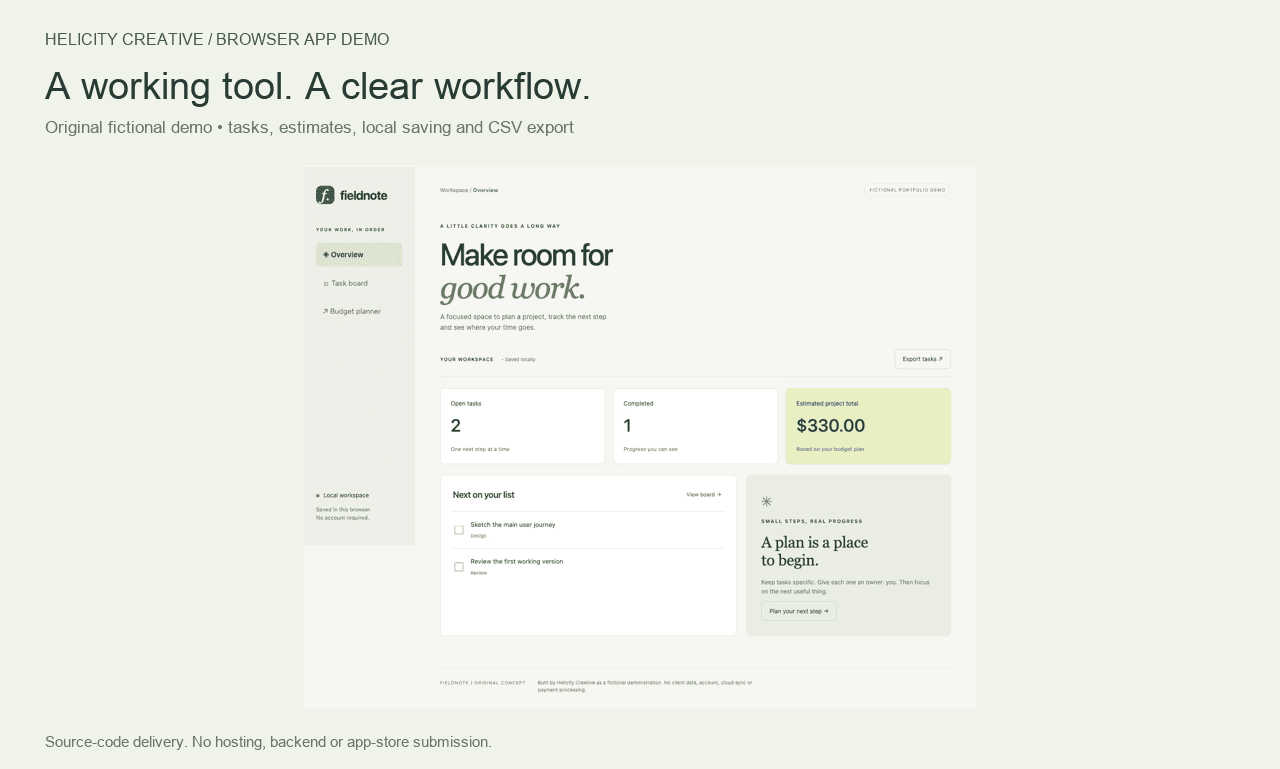
Fieldnote fictional browser tool dashboard demo.

Fictional browser-tool demo

Fieldnote

A self-initiated project and budget-planning tool demonstration with an overview, task board, budget planner, local saving and CSV export. It is a browser demo, not a published mobile app or paid client project.

Independent concept · no client data, cloud account or payment processing

Files & handoff

A working project, not an app-store listing.

The handoff is the agreed source code and project files, plus concise local setup instructions. Browser tools can be reviewed in a local browser; mobile code depends on the chosen stack and requires the matching development environment to run.

Hosting, domain setup, app-store accounts, signing certificates, store submission, cloud services and ongoing maintenance are not included. We will name any required paid service or environment before it becomes part of a proposed scope.

Before we begin

A few practical answers.

What makes a browser app different from a website?

A website mainly presents information and guides people to an action. A browser app is designed around an interactive task—such as entering values, updating a plan, tracking items or exporting a result. Some projects combine both.

Can you make an app for iPhone and Android?

We can scope a prototype or a small shared-codebase app foundation for iOS and Android. Platform, device requirements, data, integrations and the first feature set must be checked before confirming a build package.

Will you publish my app to the stores?

No. Store accounts, app signing, submission and review are outside the current offer. The scoped source code is handed back to you.

Can the first version include login, payments or cloud sync?

Those features need a separate technical review because they add security, accounts and service costs. They are not included in the example packages.

Your next step

Tell us what you want to make easier.

A rough idea is enough. The project flow will help sort the right kind of work and the details needed to scope it.

Start a project